Support Talk Newsletter · Preview
Meet Pacey AI
Powered by our knowledge base, Pacey gives you instant, on-demand support directly within the DLP platform. To get the most relevant responses, the more detail you include in your prompt, the better. Describe your query fully and Pacey AI will do the rest.
After each response, use the 👍 or 👎 rating to let us know how Pacey did — your input helps us continuously improve the experience for everyone.
Compliance hub
The Compliance Hub is your central resource for all legislative and regulatory information.
It contains:
▸ Digital tools — calculators and utilities to support your payroll processes.
▸ Product user guides — step-by-step guidance on using Deel Local Payroll features.
▸ Compliance news — legislative updates and regulatory changes that affect your payroll.
This section provides information of a legislative nature only. For operational support or queries, contact support@payspace.com or use Pacey AI.
Important reminder: The search feature should not be used. For anything system-related, Ask Pacey is your go-to resource.
Compliance updates
COID submission period — ROE declarations closing 30 June 2026
The window for submitting your Return of Earnings (ROE) declarations is open, and closes on 30 June 2026. Do not leave this until the final days — submission volumes rise sharply toward month-end, which can affect processing times.
For assistance, contact support@payspace.com.
Compliance updates
Official rate of interest increase — effective 1 June 2026
The South African Reserve Bank has increased the repo rate from 6.75% to 7.00%, effective 29 May 2026. As a result, the official rate of interest as defined in section 1 of the Income Tax Act has increased from 7.75% to 8.00%, effective 1 June 2026.
Impact on taxable fringe benefits:
The increased official rate of 8.00% applies to fringe benefit calculations on low-interest and interest-free loans from 1 June 2026.
Attachments now available in the Dynamic Form Builder
Attachments are now available in the Dynamic Form Builder, allowing you to include attachment fields directly on your Add New Employee and E-Onboarding forms.
Navigation: Config › Basic Settings › Custom Screens and Fields › Dynamic Form Builder
How it works:
▸ Select the Attachments entity on the Dynamic Form Builder configuration screen for your chosen form template.
▸ An Attachments section will appear on the corresponding form, allowing users to upload supporting documents directly.
▸ Once the employee has been added successfully, all uploaded documents will display on the Employee Attachments screen for easy reference.
For setup assistance, contact support@payspace.com.
Did You Know?
Got a new device? You can re-activate MFA yourself
If you've switched to a new device, you can re-enable Multifactor Authentication (MFA) on Deel Local Payroll without contacting support. On the login screen, choose to receive a one-time OTP via email or SMS. Once logged in, select your initials in the top-right corner, go to Settings → MFA, then scan the QR code using Google Authenticator on your new phone to re-activate it instantly.
CSAT: Customer satisfaction metrics
At Deel Local Payroll, we’re committed to delivering a consistently excellent support experience—and your feedback helps us get there.
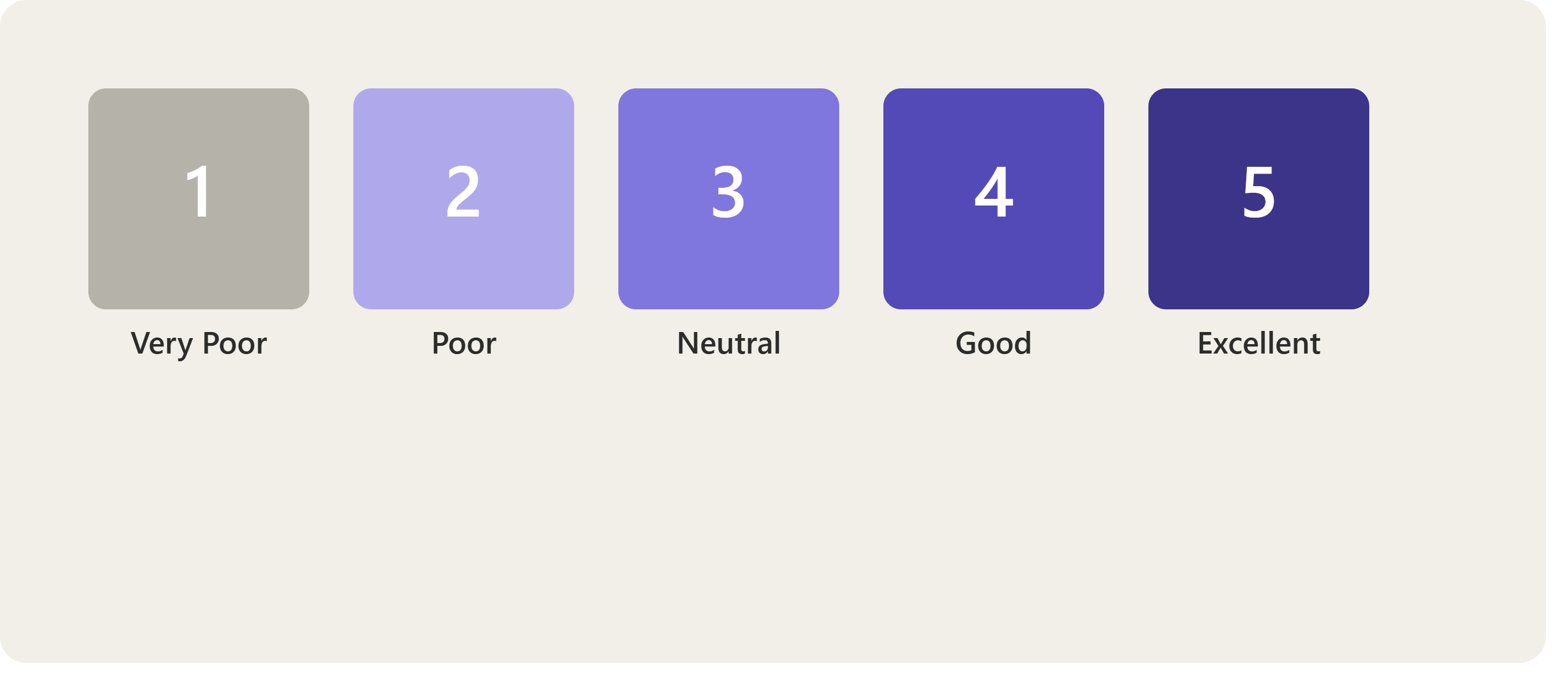
Once your support ticket is resolved, you’ll receive a Customer Satisfaction (CSAT) email asking you to rate your experience. Our goal is to maintain a minimum rating of 4 out of 5 stars, and your input plays a key role in helping us improve.
📩 What to Expect
You’ll receive an email asking:
“How satisfied are you with your overall support experience?”
Simply select a star rating from Very Poor to Excellent.
✍️ Share Your Feedback
After selecting your rating, you may also be prompted to provide more details—such as:
• Agent understanding of your issue
• Friendliness and willingness to help
• Whether your expectations were met
• How well the solution supported your business needs